Top Frontend UX/UI Tools 2022

Discover websites, tools and resources which would ease the design process in web development, and make you a self-sufficient designer-developer.
As frontend developers, we occasionally share the need to introduce some unique design elements into our projects. This could get especially tedious, as we need to keep up with the ever-changing design trends. We get stuck, sometimes, within the constraints of the framework or UI library we’re using in the project.
In this article, we will look at some tools which could make it easier to introduce unique design elements into our design, and be self-sufficient developers, with modern design trends.
We will explore tools ranging from sources for royalty-free photos and videos, to blob and gradient generators.
Free Photos Sources
- Unsplash: Unsplash has a large collection of freely-usable images that are uploaded by photographers from all over the world. It also has an API should you wish to integrate with it on the frontend, or pull images from it in your backend service. Unsplash is so incredibly vast, that even Medium uses it in its editor.

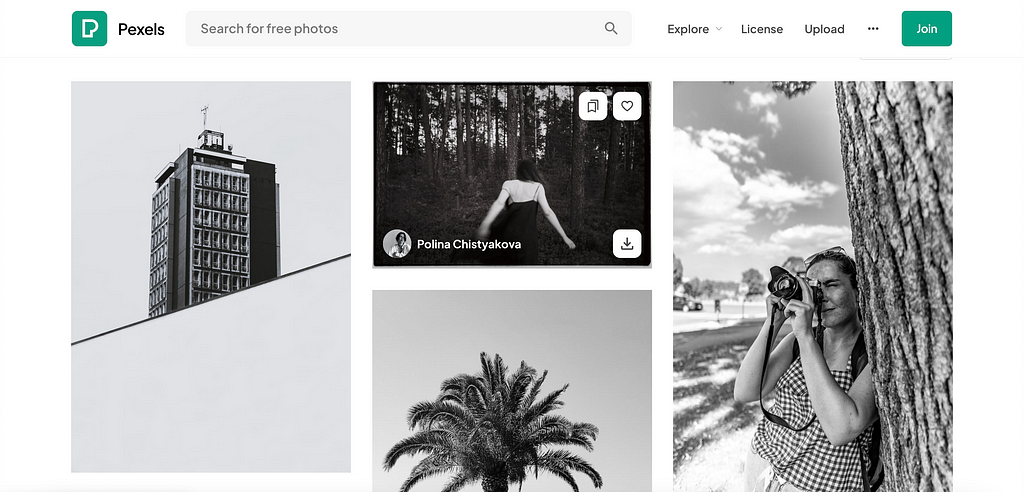
2. Pexels: This is another great source of royalty-free stock photos, royalty free images & videos shared by creators. It also has an API for searching for images and videos.
3. Shotstash: If you run out of choices with the aforementioned sites, you could always explore free HD stock pictures for creative professionals. It has a pretty robust collection, though, not as polished as Unsplash or Pexels.
Best Blob Generators
- Haikei: An all-around generator for making blobs, blurry gradients, low poly, waves and much more. If you’re ever lost on ideas for making that landing page pop, this tool is for you. You could pick from one of the template settings, randomise them, or even customise them to your taste.

2. Blobmaker: This is a more simplistic solution for generating blobs. The interface allows for generating random blobs and/or tweaking them to our taste. Users could then copy out the SVG of the resulting blob, or download the file and use them in projects.
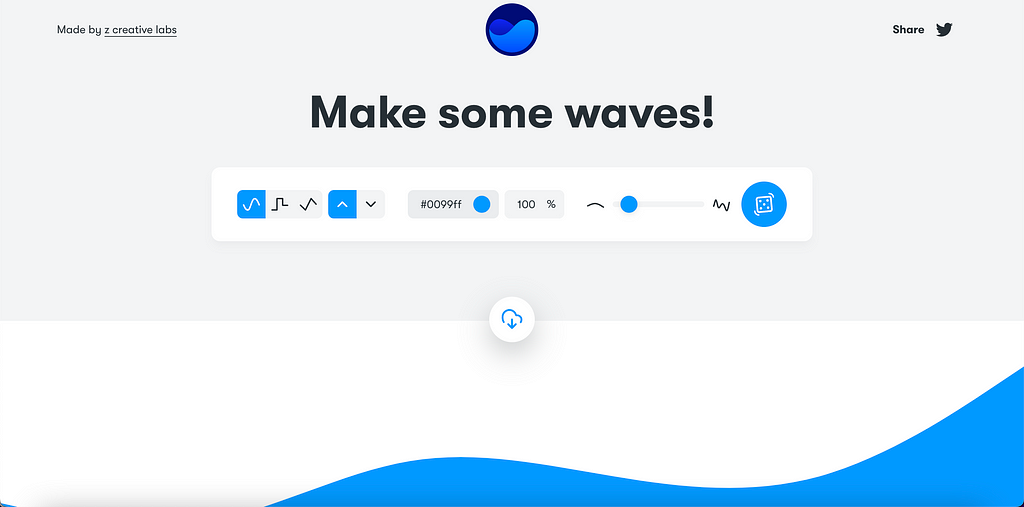
3. GetWaves: This tool generates random waves you could utilise to spice the bottom of your divs and sections. GetWaves is totally free! You could generate random waves, tune the generator to the precise waviness you wish, change the colour and download the resulting blob as an SVG or PNG.
Best Gradient Generators
- Piggment.co: You could browse from a ton of carefully curated gradients, get the colours of the selected gradient, view related gradients, or even customise and tailor the gradients to the look and feel of your application.
- Coolors.co: This is my personal favourite gradient generator. Though it has a paid offering, its free-tier is still quite generous enough for users to generate smooth gradients. Its user-friendly and intuitive interface allows users alter and experiment with several shades/hues of the colours, and also allows users to save the gradient generated.
- CSS Gradient: You could explore presets and popular gradients on CSS Gradients, as well as guides on how to apply gradients. There is also an interface for you to tweak the gradient to your taste.
- UI Gradients: This is majorly a large collection of gradients you could leverage for your next big project.
Gradients have a way of catching the eye. If you want to make that CTA be more attractive and memorable, you might want to consider using a gradient.
Top Illustrations Generator
- Drawkit: Beautiful vector illustrations. Free and premium vector SVG illustrations for you to use on your next project. Vector illustrations, icons, 3D illustrations, animation, and more. No attribution required!

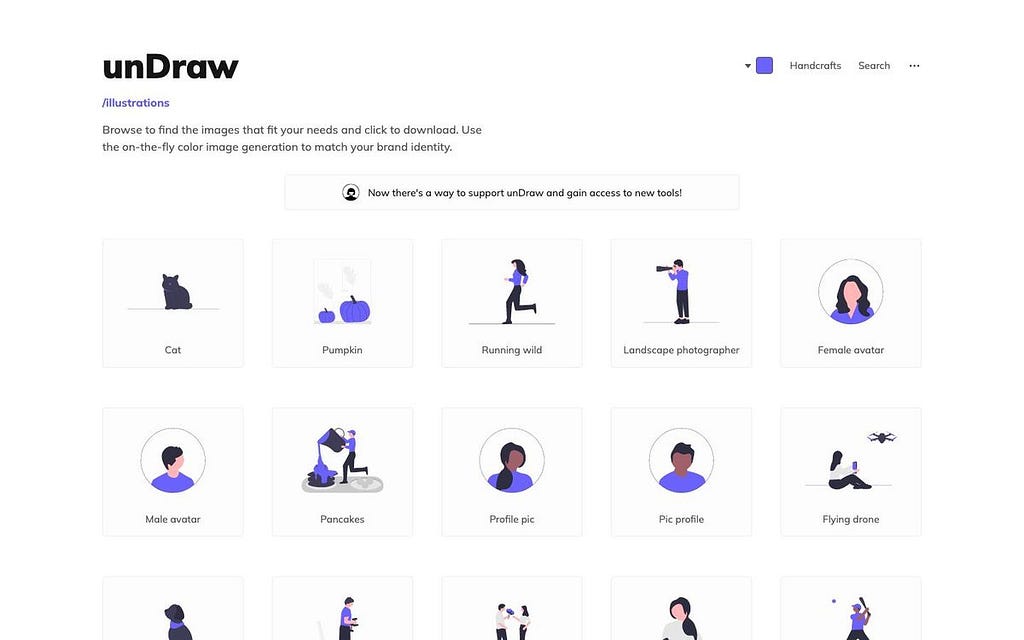
2. unDraw: The design project with open-source illustrations for any idea you can imagine and create. Create beautiful websites, products, and applications with your colour, for free.
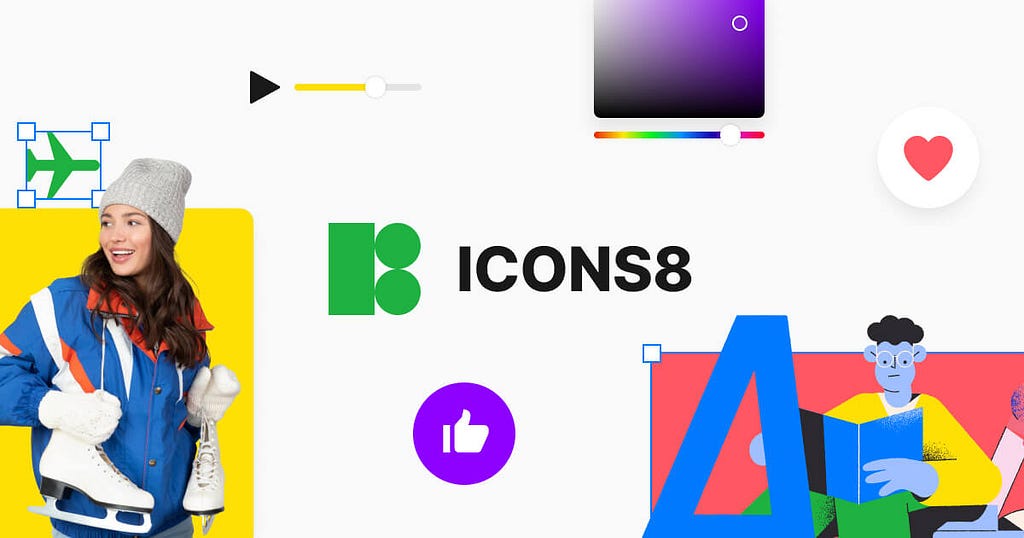
3. Icons8: Get free icons, photographs, clipart illustrations, and music design elements for free. All the assets are made by designers. There is a paid tier to get higher resolution icons and assets, but the free tier is generous enough.
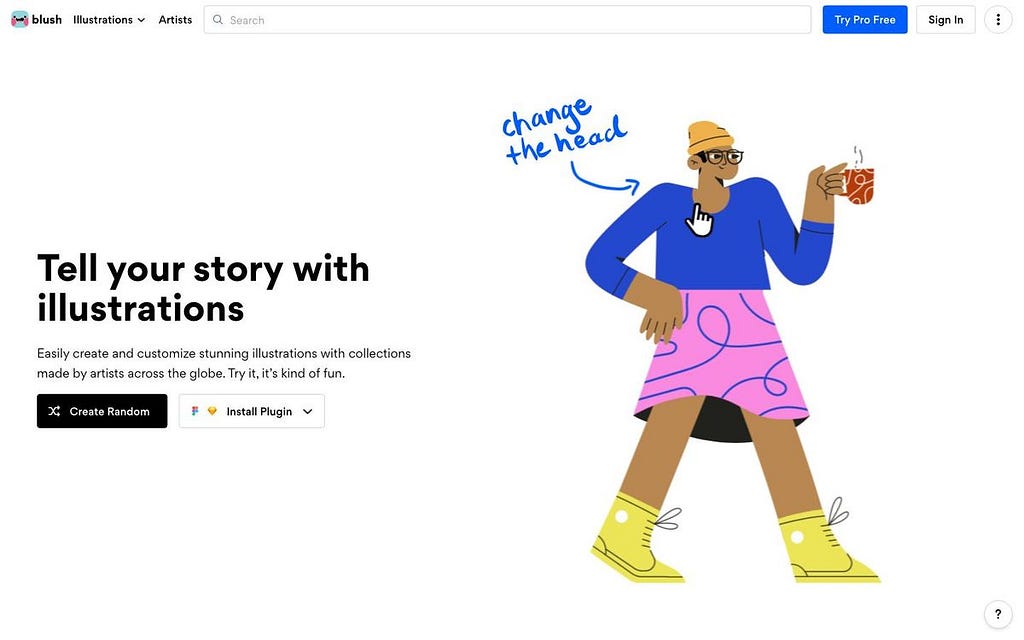
4. Blush: A digital playground for you to make your own free illustrations, tailored to the feel of your designs. Play with fully customisable graphics made by artists across the globe.
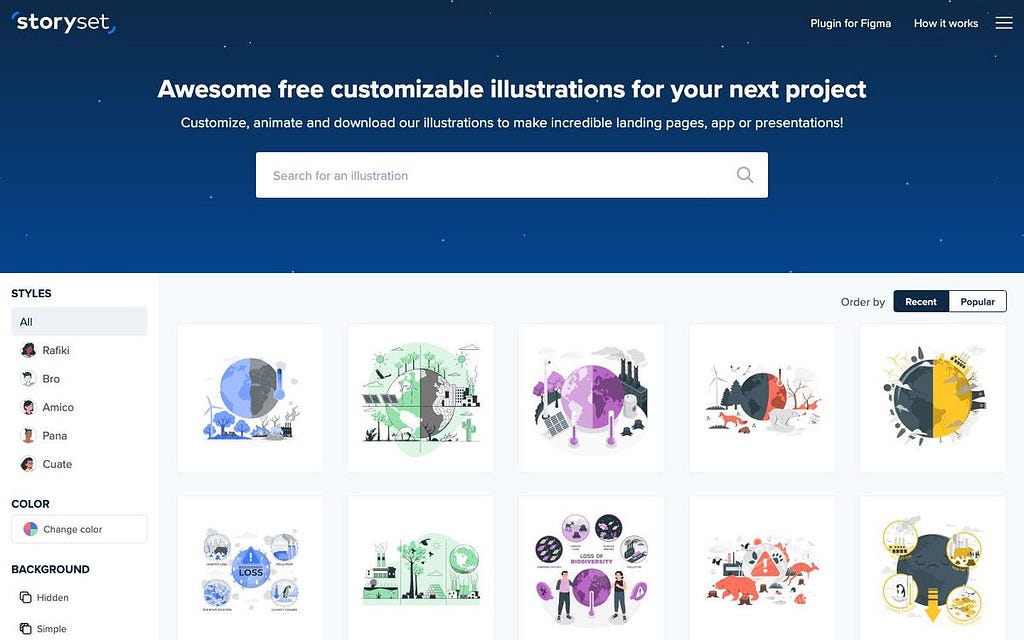
5. Storyset: Customise, animate and download illustrations for free. Edit and animate all our customisable illustrations to enhance your projects totally free.
Best Colour Scheme Generators
- Coolors.co: This is my personal favourite colour scheme generator. Though it has a paid offering, its free-tier is still quite generous enough for users to generate colour schemes. Its user-friendly and intuitive interface allows users alter and experiment with several shades/hues of the. Coolors also allows users to save the schemes generated.
Miscellaneous
- Animista: Animista is a CSS animation library and a place where you can play with a collection of ready-made CSS animations and download only those you will use.
- Neumorphism: Generate CSS code for neumorphic designs. The project has provision for tweaking the look and feel of the neumorphic blob. You will definitely find this handy.
- Glassmorphism: A modern CSS UI library based on the glassmorphism design principles that will help you quickly design and build beautiful websites and applications.
- CSS Shadows: A collection of box shadows for your next project. It features shadows from Dropbox, and other prominent tech organisations.
Pin this, bookmark this, share this, and don’t forget to leave a clap (or many) if you found this article useful.
Till next time, amigo!

Tomisin Abiodun
Senior Software Engineer @ Checkout.com
I build scalable user-first experiences by combining technical expertise, product thinking and a deep understanding of AI, and I help others do the same.