The Ultimate Home Office Setup for Software Developers in 2026

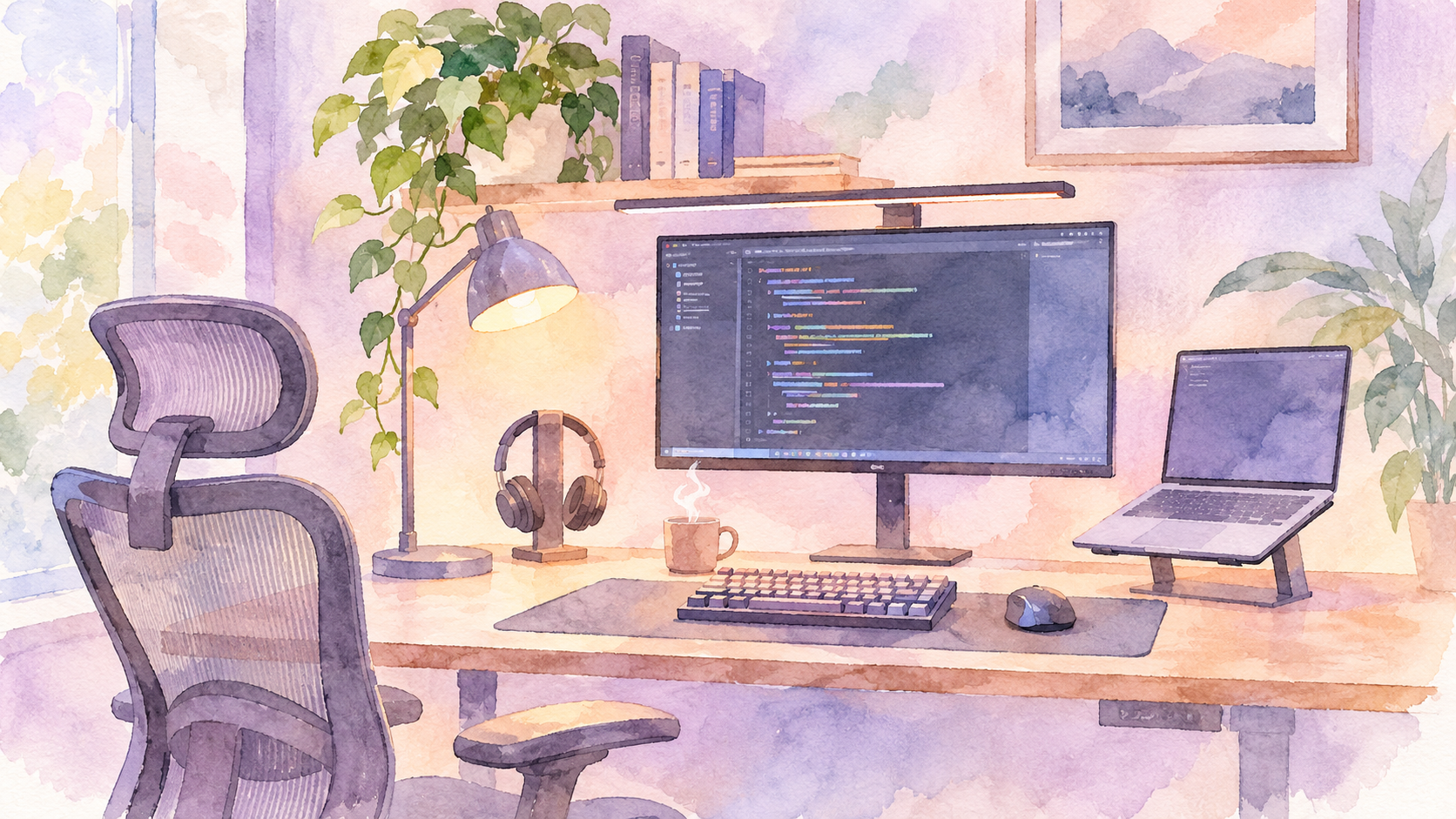
Working from home has become a permanent part of life for many software engineers. Whether you're working remotely full-time, splitting your week between the office and home, or building your own development environment, having the right workspace makes a difference.
But building a good home office doesn't mean spending £3,000 on a designer desk and premium accessories.
The trick is knowing where to spend your money.
For software developers, I'd prioritise five things: a comfortable chair, a good monitor, a reliable keyboard and mouse, a functional desk, and proper lighting.
In this guide, we'll walk through the equipment worth considering, from affordable essentials to premium upgrades, and how to put everything together.
1. Start with a good office desk
Your desk is the foundation of your workspace. It needs enough room for your monitor, laptop, keyboard, mouse and other accessories without making your workspace feel cramped.
For software developers, I'd recommend a desk that's at least 120cm wide. If you're planning a dual-monitor setup, 140–160cm is a more comfortable starting point.
Our recommendations:
- Budget: IKEA-style fixed-height desk – ideal if you want something simple and functional.
- Best value: FlexiSpot EN1 – an electric standing desk with adjustable height.
2. Invest in a comfortable ergonomic chair
This is probably the most important purchase in your home office.
As a software developer, you can easily spend six to eight hours at your desk. A chair that doesn't fit properly can make long working sessions uncomfortable.
Look for:
- Adjustable seat height.
- Lumbar support.
- Adjustable armrests.
- A comfortable seat with suitable depth.
- A backrest that supports your preferred sitting position.
Our recommendations:
- Best value: SIHOO M57 – a mesh ergonomic chair with adjustable lumbar support and armrests.
- Premium: Herman Miller Aeron – a high-end option with breathable mesh construction and extensive adjustment options.
You don't necessarily need to spend over £1,000 on a chair. The most important thing is finding one that fits your body and allows you to adjust it properly.
3. Get a monitor that makes coding comfortable
If you're still doing most of your development work directly on a laptop screen, upgrading your display should be high on your list.
A larger external monitor gives you more room to work with your IDE, browser, terminal and documentation.
For most developers, I'd recommend starting with a 27-inch monitor.
What should you look for?
- 27-inch display or larger.
- 1440p resolution or better.
- IPS panel for consistent viewing angles.
- USB-C connectivity if you use a compatible laptop.
- Height adjustment or VESA mounting support.
Our recommendations:
- Best value: Dell UltraSharp U2724D.
- Premium: LG 32U990A UltraFine.
4. Choose a keyboard you'll enjoy typing on
Software development involves a lot of typing. Your keyboard is one of those purchases you'll appreciate every working day.
Mechanical keyboards are popular among developers because of their tactile feedback, customisation options and variety of switch types.
Our recommendations:
- Best value: Keychron K2 Pro – a compact mechanical keyboard with wireless connectivity.
- Productivity alternative: Logitech MX Keys S – a low-profile keyboard designed for comfortable everyday typing.
- Premium: Keychron Q1 Max – a more substantial mechanical keyboard with extensive customisation.
If you're working in a shared space or regularly joining meetings, consider quieter switches. A mechanical keyboard doesn't have to sound like a typewriter.
5. Get a proper productivity mouse
A good mouse can make navigating your development environment much easier.
My recommendation here is the Logitech MX Master 3S.
It's designed for productivity, with customisable buttons, a thumb wheel and a high-precision sensor.
It's particularly useful if you frequently switch between applications, work with large spreadsheets or navigate long documents.
Our recommendation:
- Budget: Logitech M650.
- Best productivity mouse: Logitech MX Master 3S.
Putting everything together: three home office budgets
You don't have to purchase everything at once. Here's how I'd approach building a workspace at three different budgets.
The starter setup: under £500
Ideal if you're setting up your first dedicated workspace.
Prioritise:
- IKEA-style fixed-height desk.
- SIHOO M57 ergonomic chair.
- Dell UltraSharp U2724D monitor.
- Keychron K2 Pro mechanical keyboard.
- Logitech M650 mouse.
- Laptop stand.
- LED desk lamp.
The productivity setup: £500–£1,000
This is where I'd recommend most remote software engineers start.
Prioritise:
- IKEA-style fixed-height desk.
- SIHOO M57 ergonomic chair.
- Dell UltraSharp U2724D monitor.
- Keychron K2 Pro mechanical keyboard.
- Logitech M650 mouse.
- Adjustable laptop stand.
- LED desk lamp.
The premium setup: £1,000–£2,000
For people working from home full-time who want a more complete workstation.
Consider:
- FlexiSpot EN1 electric standing desk.
- Herman Miller Aeron ergonomic chair.
- LG 32U990A UltraFine monitor.
- Keychron Q1 Max mechanical keyboard.
- Logitech MX Master 3S.
- Premium monitor arm.
- USB-C docking station.
- BenQ ScreenBar Halo
These are indicative budgets. Your actual total will depend on the equipment you already own and the products you choose.
Don't get distracted by expensive accessories before you've sorted out the essentials.
The best home office setup isn't necessarily the most expensive one. It's the one that makes you comfortable, keeps you productive and gives you a workspace you actually enjoy using.

Tomisin Abiodun
Senior Software Engineer @ Checkout.com
I build scalable user-first experiences by combining technical expertise, product thinking and a deep understanding of AI, and I help others do the same.
